> For the complete documentation index, see [llms.txt](https://help.checkoutchamp.com/llms.txt). Markdown versions of documentation pages are available by appending `.md` to page URLs; this page is available as [Markdown](https://help.checkoutchamp.com/crm/gateway-setup/gateway-integrations/truevo.md).
# Truevo
Go to **Gateways** → **Gateway Integrations** and activate the Truevo tile with the “**+ Activate**” button
**Step 2:**
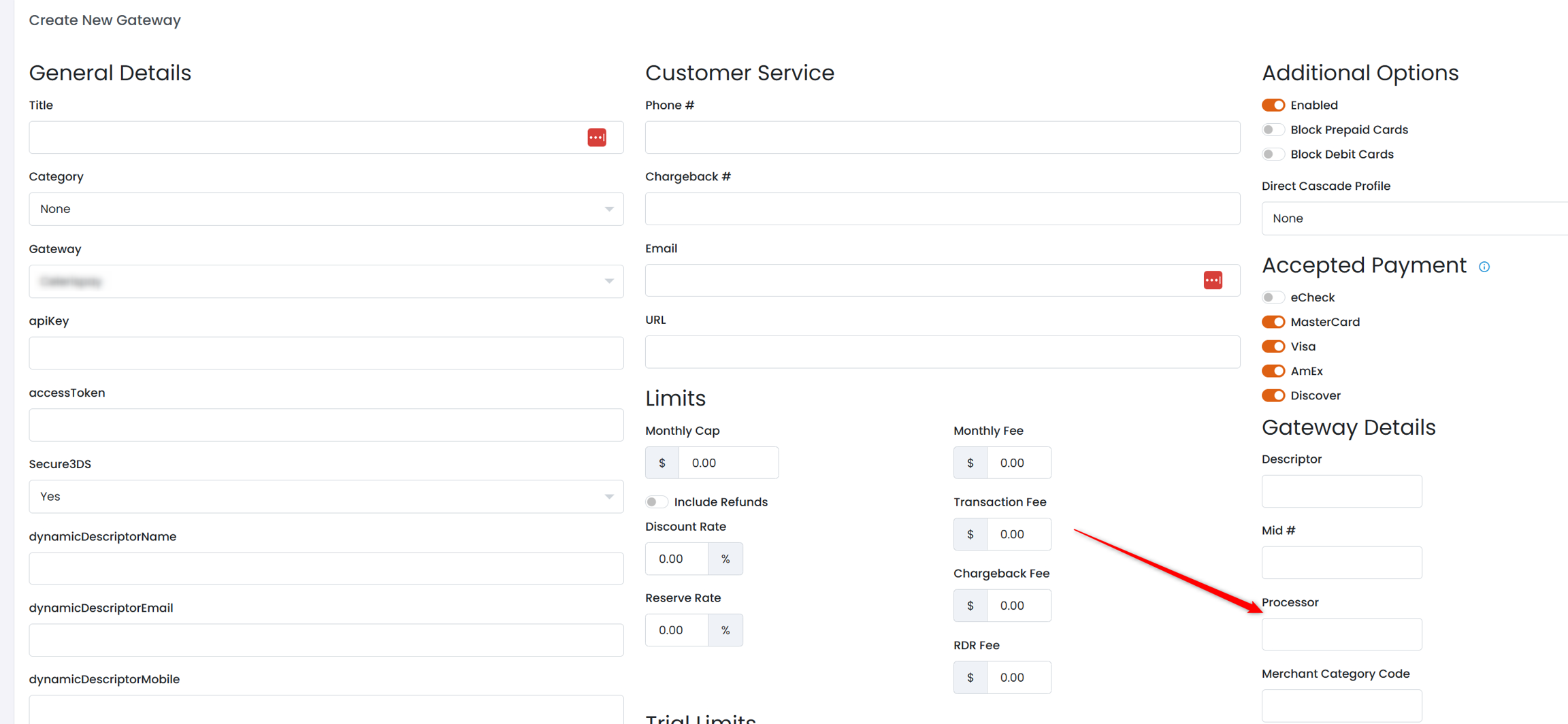
Enter the **apiKey** and **accessToken** credentials received from your Truevo account. Configure whether the gateway will use **Secure3DS** or not. Enter your dynamic descriptors.
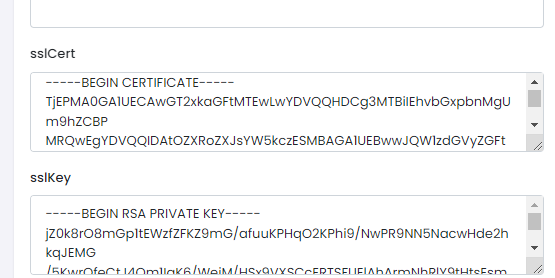
When entering the sslCert and sslKey credentials be sure to enter the full certificate.
**sslCert**
It should start with -----BEGIN CERTIFICATE----- and end with -----END CERTIFICATE-----
**sslKey**
Enter the full key. It should start with -----BEGIN RSA PRIVATE KEY----- and end with -----END RSA PRIVATE KEY-----
**zeroAuth**
Truevo contains an option to authenticate a card for zero amount. This is an alternative to the Validate Card trial workflow. This can be advantageous for free trial offerings with a 3DS workflow as the consumer should be less confused than with a Validate Card amount on the challenge.
**sendUpsellToken**
Check this box to send for all upsells the payment token returned on checkout. This guarantees a 1-click upsell. If you prefer to send the consumer through a potential 3DS workflow for each upsell, then uncheck this box to send full card details again on each upsell.
**sendProcessor**
Send the processor defined on the gateway setup. This is used to target a specific processor at Truevo.
**enableCardOnFile**
Send standing instruction parameters
**Step 3:**
Once complete click the green Create Gateway button.
**Step 4:**
Apply the gateway to your offers and upsells within the campaign.
**Step 5:**
{% hint style="info" %}
This step can be ignored if using CheckoutChamp hosted pages
{% endhint %}
Handle standard 3DS processing if required
[Basic 3DS Instructions](/crm/gateway-setup/direct-api-3ds-instructions.md)