> For the complete documentation index, see [llms.txt](https://help.checkoutchamp.com/llms.txt). Markdown versions of documentation pages are available by appending `.md` to page URLs; this page is available as [Markdown](https://help.checkoutchamp.com/crm/gateway-setup/gateway-integrations/urpay.md).
# UrPay
**STEP 1**
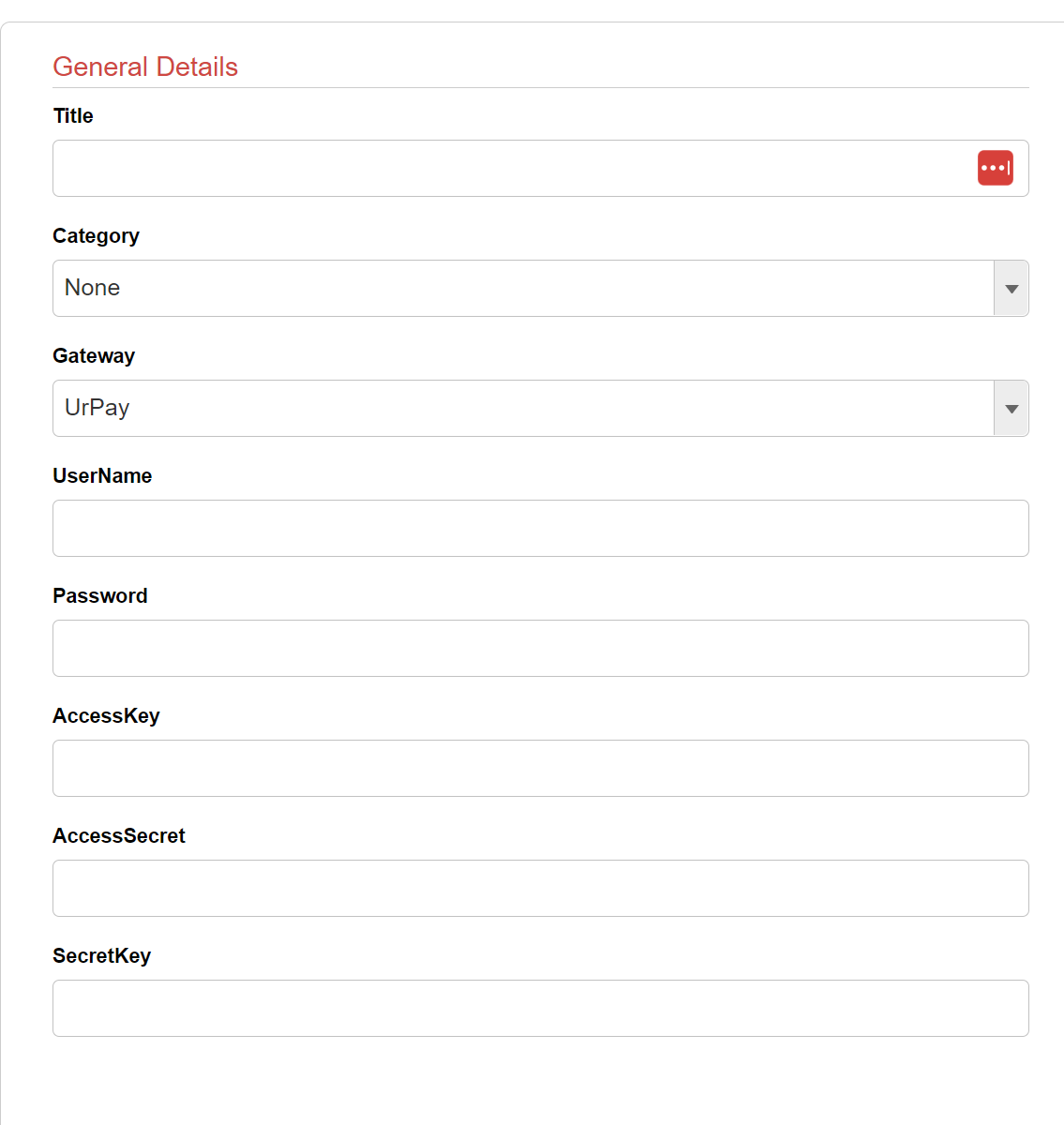
Obtain **UserName** and **Password** from your UrPay account
If using secure 3DS then also obtain **AccessKey**, **AccessSecret**, and **SecretKey**
**STEP 2**
Go to **Gateways > Gateway Integrations**
Activate the UrPay gateway tile. Enter all the information from Step 1.
**STEP 3**
{% hint style="info" %}
This step can be ignored if using CheckoutChamp hosted pages
{% endhint %}
If using secure 3DS then verify the checkout page follows these instructions
[Direct API 3DS Instructions](/crm/gateway-setup/direct-api-3ds-instructions.md)