> For the complete documentation index, see [llms.txt](https://help.checkoutchamp.com/llms.txt). Markdown versions of documentation pages are available by appending `.md` to page URLs; this page is available as [Markdown](https://help.checkoutchamp.com/crm/plugins/rma-services/fedex-returns.md).
# FedEx Returns
The FedEx Returns plugin allows for a simple label to be sent to customers upon issuing an RMA.
## How to Enable the FedEx Returns Plugin
Go to Admin -> Plugins -> RMA Services and click on the green Activate button
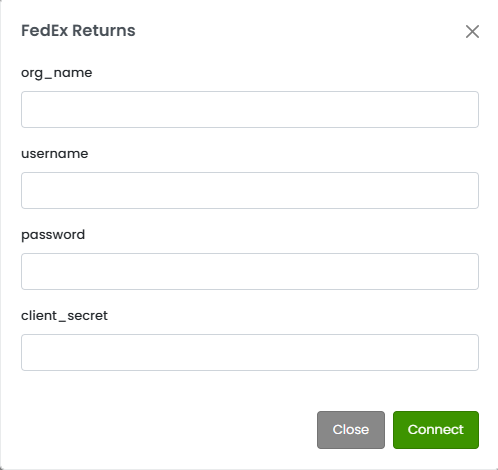
**Enter your information into the above fields:**
**org\_name** - Use the
Organization Name you created in
your API account with FedEx
**username** - This is
your Returns Technology portal
email address
**password** - This is
your Returns Technology portal
password
**client\_secret** - client secret from FedEx Returns Technology portal
### How to Use FedEx Returns
An RMA autoresponder must be set up to use FedEx returns.
When an RMA is issued on a FedEx fulfillment, a simple label will be automatically attached to the RMA autoresponder that is sent to the customer.
The customer can then use that label at a FedEx location to return the item.