> For the complete documentation index, see [llms.txt](https://help.checkoutchamp.com/llms.txt). Markdown versions of documentation pages are available by appending `.md` to page URLs; this page is available as [Markdown](https://help.checkoutchamp.com/funnel-builder/creating-and-editing-funnels-pages/domain-configuration/domain-troubleshooting.md).
# Domain Troubleshooting
* [403 Error](#domaintroubleshooting-403error)
* [Domain Added, Then Removed](#domaintroubleshooting-domainadded-thenremoved)
### 403 Error
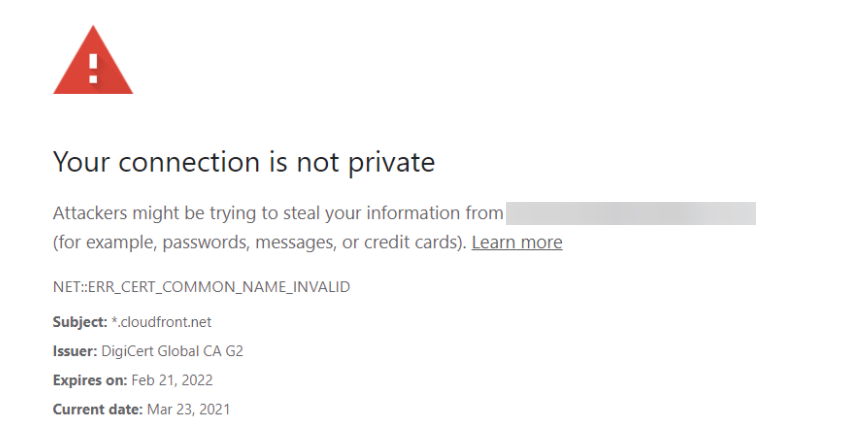
If you are experiencing issues with your domain loading a 403 error or the error seen below please follow these steps:
1. Make sure to have followed our documentation for setting up a domain here. Also, make sure you have published your funnel.
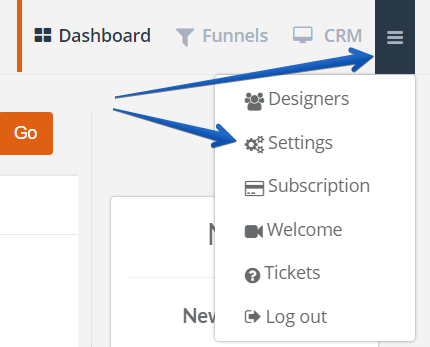
2. If you’ve verified your domain and still have issues, head to the top right corner dropdown menu and click on settings.
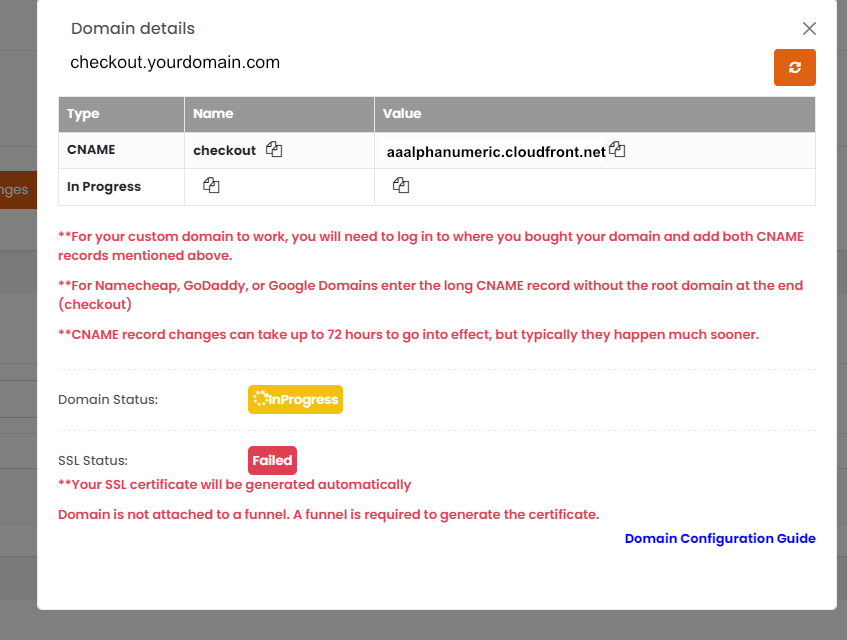
3. Scroll down to the domain section and click on the health status icon button. (This button is only available for 10 days after you add your domain into Checkout Champ, so testing should be done quickly thereafter to make use of the health status)
4\. A button field will come up to map the ssl certificate to the domain. Once clicked it should say certificate mapped. Now allow up to 1 hour and 15 minutes for DNS cache and Database update for the changes to take effect. Clear your cache and cookies before testing.
### Domain Added, Then Removed
In some cases, you may encounter an issue mapping the certificate resulting in the removal of the recently added domain. You may also notice CNAME records and/or SSL certificates will fail to generate. In those cases, you may need to specify Amazon certificate authority can issue certificates for your domain or subdomain.
For more detailed information, please check with your DNS provider support and/or see AWS documentation, here:
If you need to set the "Flag" field, set that value to "0". You may need to try each of the AWS domains until one is accepted.
{% hint style="info" %}
If after doing this, you are still experiencing issues, please submit a ticket to support.
{% endhint %}