> For the complete documentation index, see [llms.txt](https://help.checkoutchamp.com/llms.txt). Markdown versions of documentation pages are available by appending `.md` to page URLs; this page is available as [Markdown](https://help.checkoutchamp.com/funnel-builder/creating-and-editing-funnels-pages/funnel-visualizer-and-page-builder/page-builder-2.0/building-blocks/extra-blocks/ticker.md).
# Ticker
### Ticker
The Ticker element is used to add a scrolling ticker (banner) on your pages to make users aware of important information, like sales or deadlines.
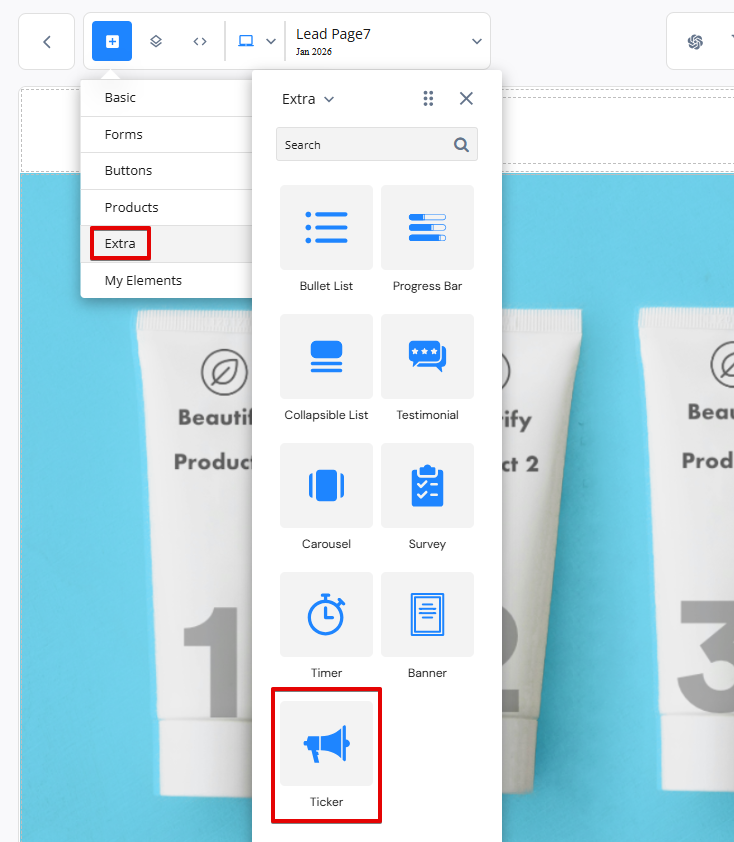
To add a ticker/banner to your page, drag on the Ticker element from the Extra menu.
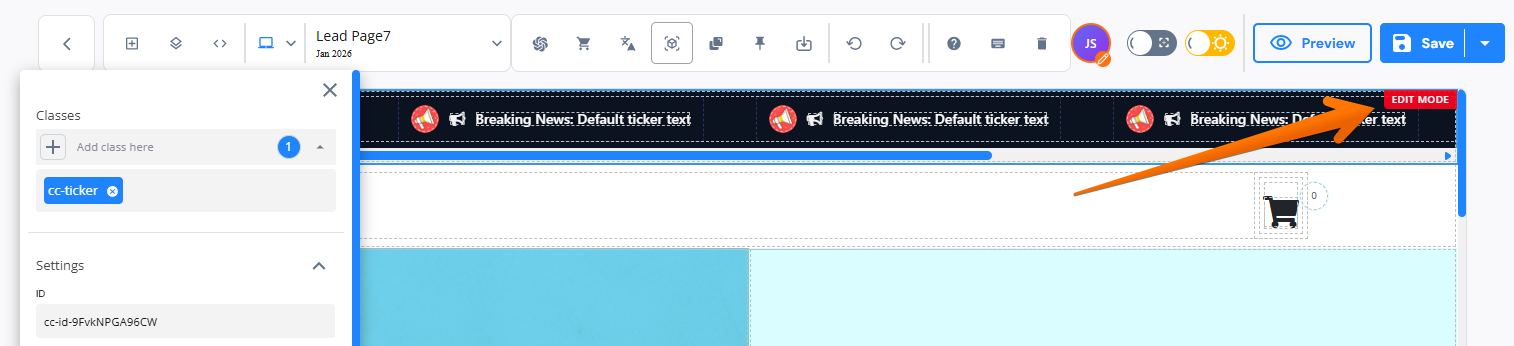
After you drag a ticker block onto the page you will notice the element is in "Edit Mode". There is an "Edit mode" tag on the upper right and a scrollbar below the element. The scroll bar allows you to move the ticker from left to right to edit all sub-elements in the ticker. Edit mode is only visible in the builder. The live page will always scroll as expected.
The settings menu of the outer ticker countainer allows you to toggle of Edit Mode. This will animate the ticker and begin scrolling directly in the builder.
You may also adjust settings for:
* Reverse Scroll
* Hide Icon
* Hide Image
* Ticker Control Speed
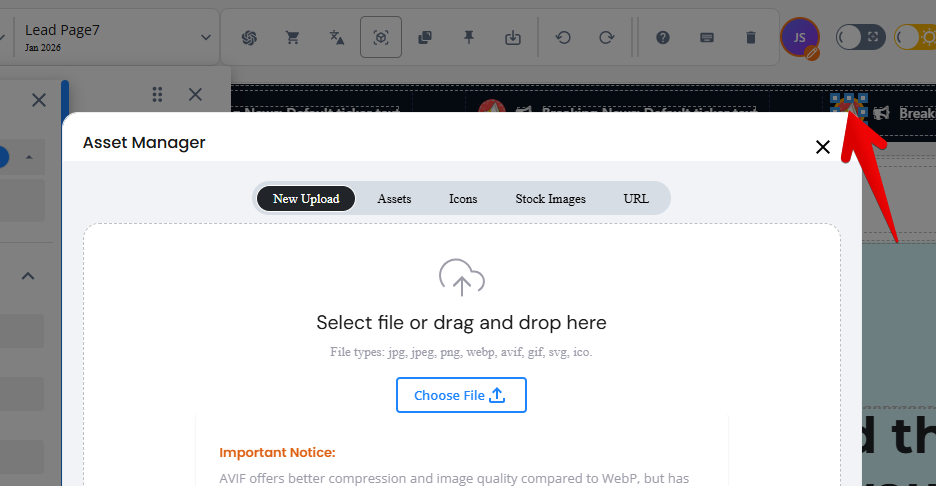
The ticker element itself is made up of 6 boxes. This repetition allows for the constant scroll of the element. Each box includes an image, a Font Awesome icon, and a text box. All can be edited as needed. To edit the image, simply double click the existing image to open the Assets Manager.
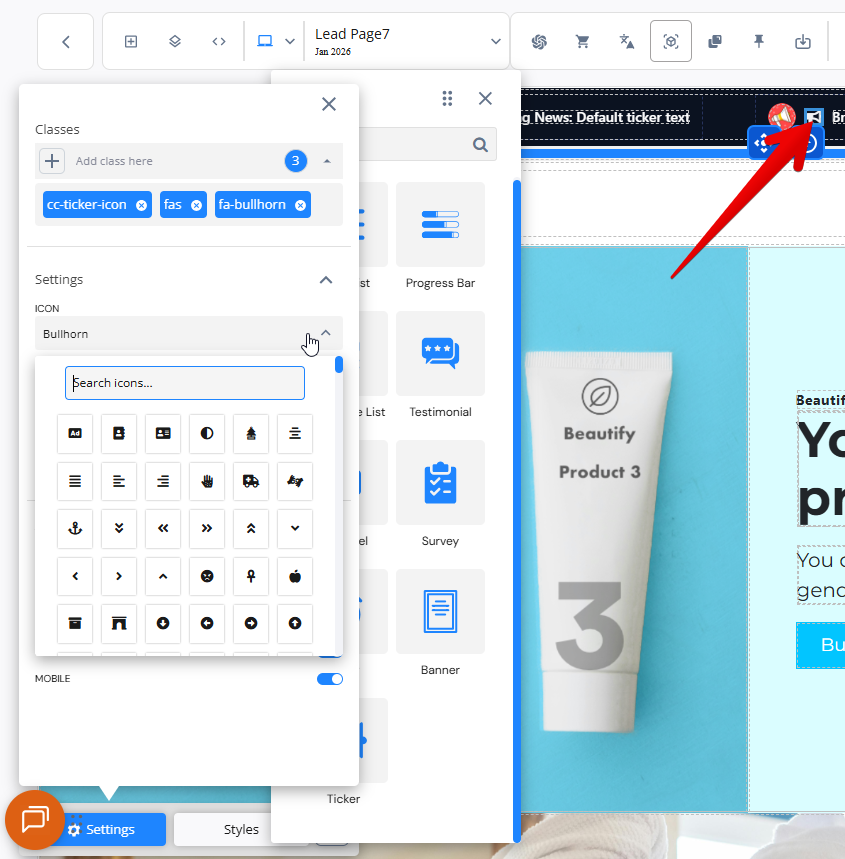
To edit the Font Awesome icon, click the icon and choose a new icon from the settings menu.