> For the complete documentation index, see [llms.txt](https://help.checkoutchamp.com/llms.txt). Markdown versions of documentation pages are available by appending `.md` to page URLs; this page is available as [Markdown](https://help.checkoutchamp.com/funnel-builder/creating-and-editing-funnels-pages/funnel-visualizer-and-page-builder/page-builder-2.0/page-building-tips/main-and-secondary-site-color.md).
# Main and Secondary Site Color
Set a Main or Secondary Site Color to easily assign a standard color to any page element
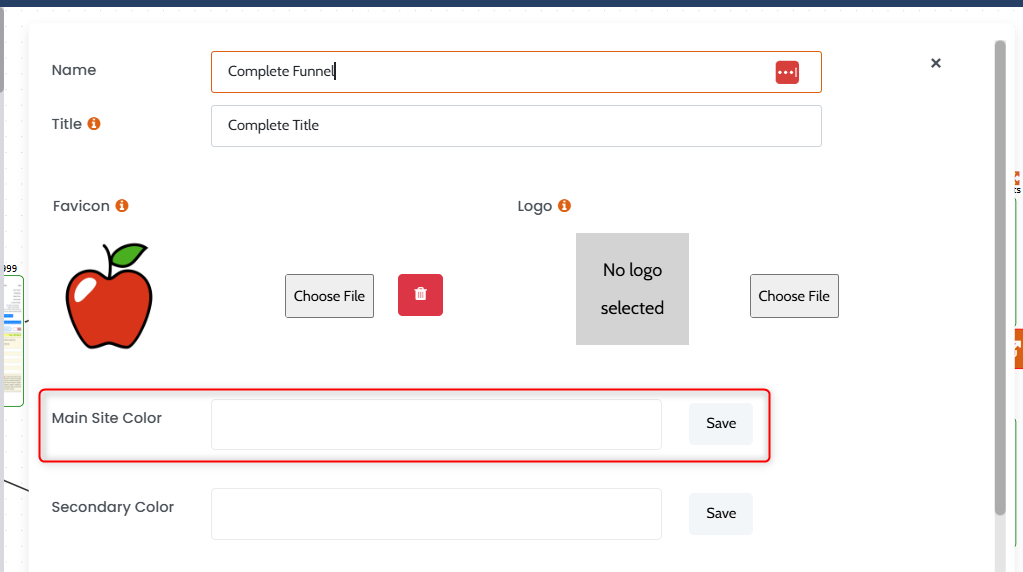
## Set Main Site Color
Go to funnel **Settings**. Click inside the **Main Site Color** box. Choose the color. Press **Save**.
Edits to **Main Site Color** are automatically updated on the pages. If **Main Site Color** is no longer needed then remove it from all pages. It cannot be removed on the funnel **Settings**.
## Add Main Site Color to Pages
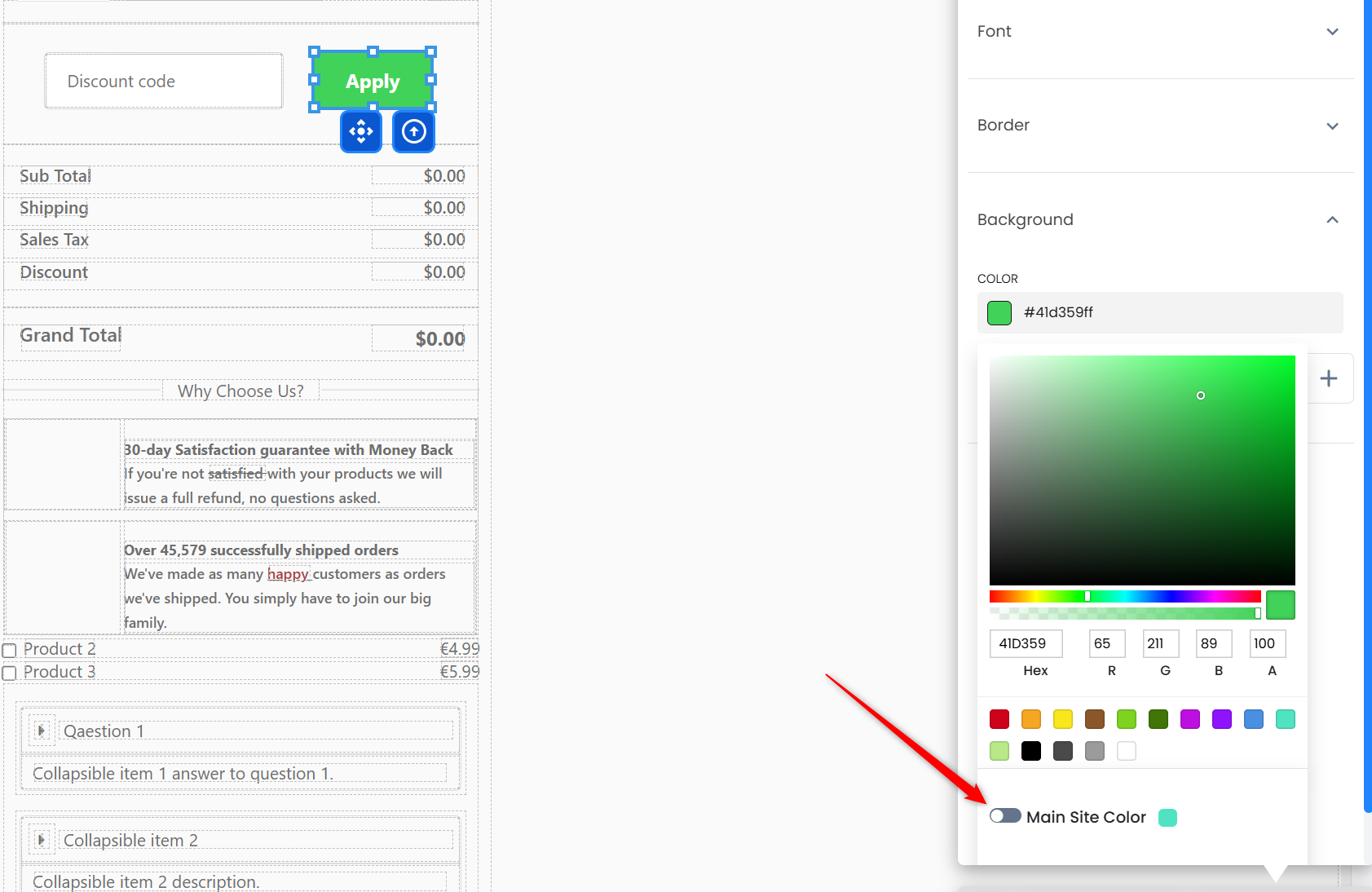
Edit any page. Go to adjust the color on any element. Enable the **Main Site Color** toggle. The particular style will change to that color.
## Secondary Color
The Secondary color includes all the same functionality as the Main Site Color